Before you connect
Use a HubSpot identity with access to the intended portal and required objects. Define the pipeline, stage, or record properties relevant to your task.Connect and verify
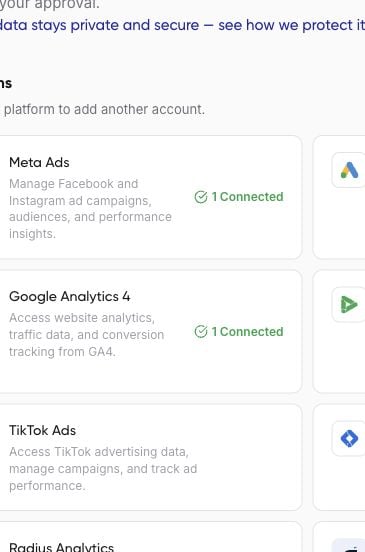
- In the intended workspace, open Get started > Connect accounts and find HubSpot.
- Choose Connect. If the Pipedream introduction opens, review it before choosing Continue.
- Complete the provider sign-in and permission screens for the intended HubSpot portal.
- Return to Nerve and check the connection status. Use Verify if available.
- Ask your assistant to list accessible HubSpot portals, then confirm the one to use.