

Prepare your brief
Have a brand, objective, audience, markets, budget and currency, dates, and KPI target ready. Add the website and any business context that affects the plan, such as average order value, sales capacity, or a compliance requirement.Build the planning prompt
- Open Planning > Media planner.
- Choose a vertical: E-commerce / Retail, Real Estate, Travel & Hospitality, SaaS / App, Finance / Insurance, Automotive, B2B / Professional Services, or Other.
- Complete the campaign basics, schedule and KPI targets, channels, and brand research fields shown for that vertical.
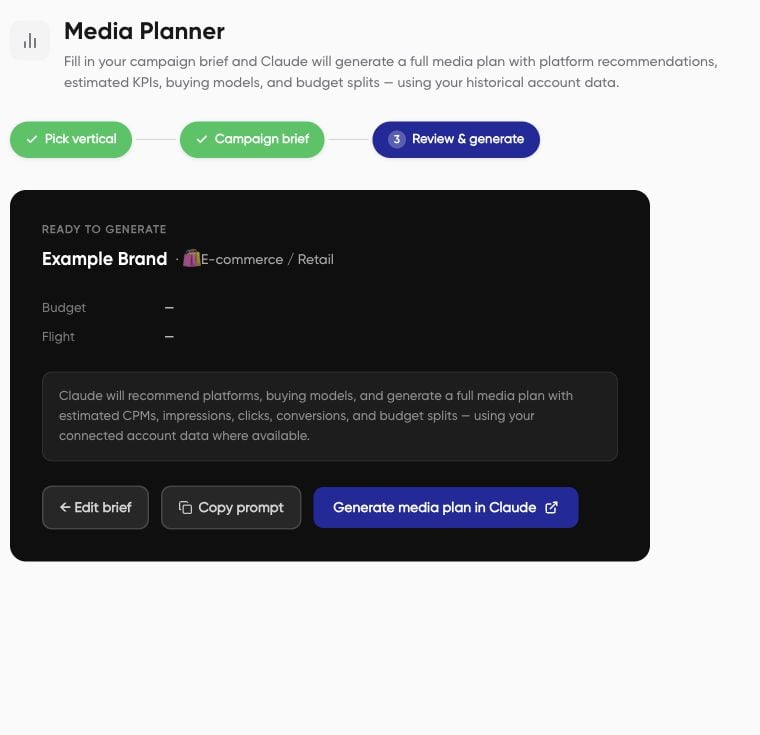
- Review the brief. Check the budget currency, dates, markets, and KPI units before continuing.
- Choose Copy prompt or Generate media plan in Claude. Set up the Nerve connection in your external assistant before asking it to use account data.
Worked brief example
These are example inputs, not recommended targets or a performance forecast. Channel choices in a brief do not guarantee that every format can be created through Nerve.